
Safety & HR for commercial construction
Every field task in under 60 seconds.
The safety program your crews actually use. Toolbox talks, JHAs, inspections, incidents and certifications — on the phone in every foreman’s pocket and on the safety director’s desk, in one record.
- Works offline
- English & Español
- OSHA 300 / 300A
The 60-second rule
If a laborer can’t finish it in a minute on a phone, we redesign it.
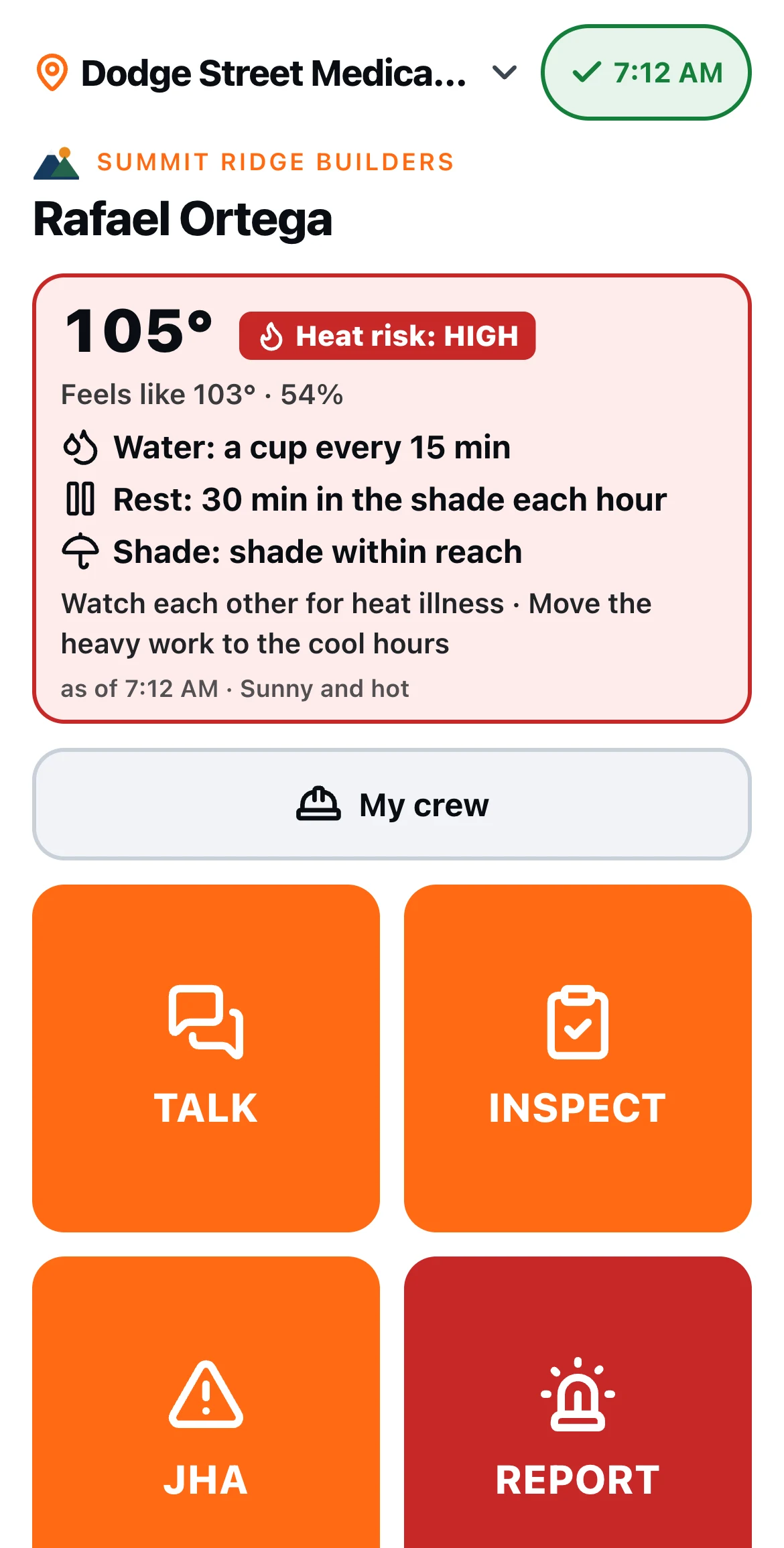
Adoption in the field makes or breaks a safety program. So every field task has a time budget, and every screen is built to beat it: one big button per screen, nothing to type that a tap, a photo or your voice can do, and everything prefilled from the job.
- 0:60+5s a worker
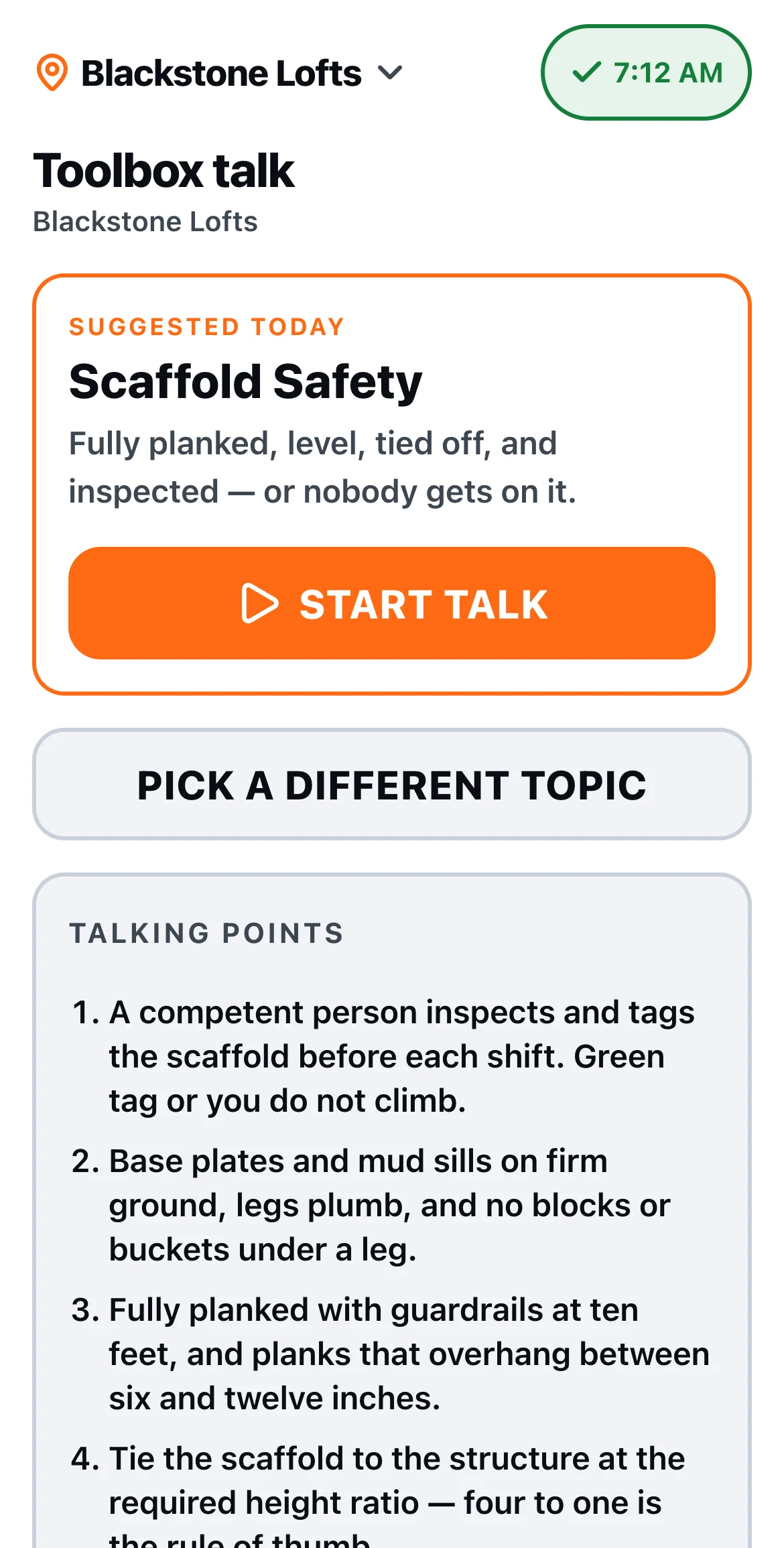
Toolbox talk sign-in
The crew roster is already on the phone. Give the talk, pass the phone, each worker taps their name and signs.
- 0:60
Daily equipment inspection
Scan the QR tag on the machine and its checklist opens. Pass, fail, photo, submit.
- 0:60
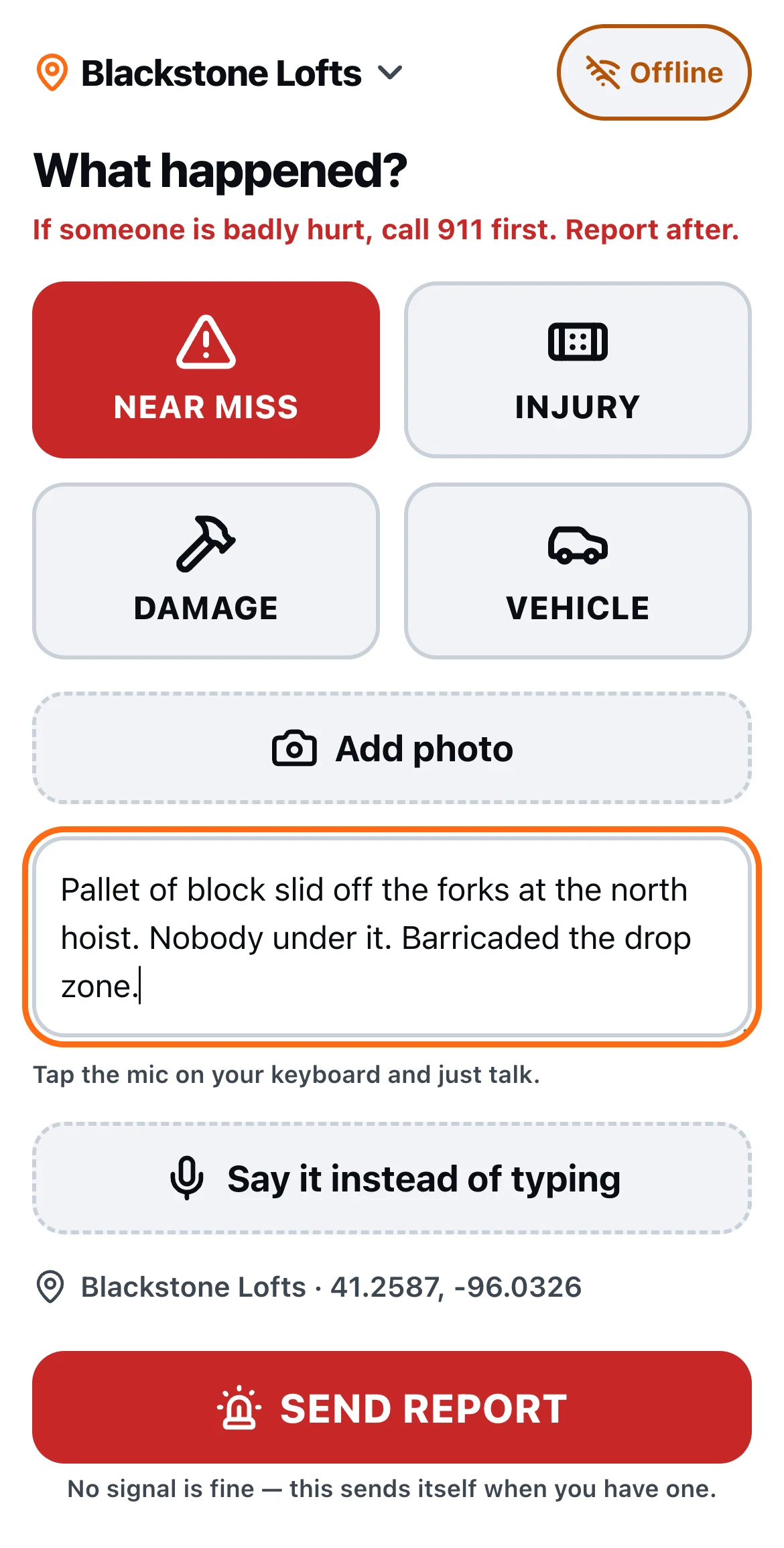
Incident quick report
One red button. Tap what happened, take a photo, say it out loud. Time and GPS fill themselves in.
- 0:30
JHA acknowledgment
Scan the poster at the work area, read the hazards and controls, sign with a finger.
Phone in the field, desk in the office
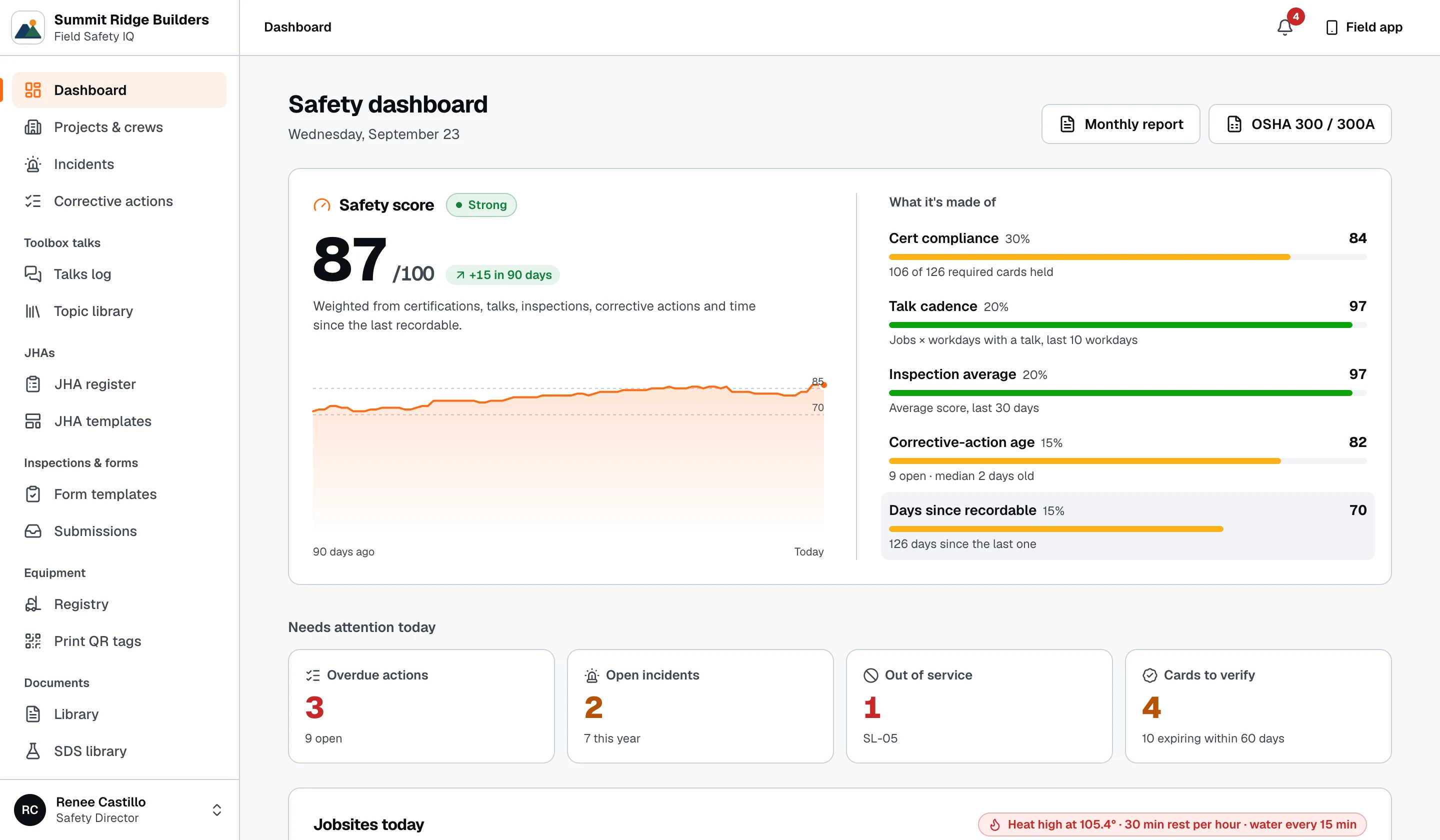
The field starts it. The office finishes it.
Foremen capture the facts in seconds. Safety directors classify, assign and close from a desk — and a failed inspection item is already a corrective action with an owner and a due date.
- Photos
- Voice notes
- GPS & time
- Signatures
One platform
Everything the safety program runs on.
Twelve modules, one record per worker, per job. Start with toolbox talks and inspections; the rest is already there when you need it.
Toolbox talks
A suggested topic every day, crew sign-in on one phone.
JHAs
Build once, post a QR, collect signatures at the gate.
Inspections & audits
Daily checklists and scored site audits, with photos.
Corrective actions
Failed items become assigned, dated, verified fixes.
Incidents
A 60-second report in the field, a full investigation at the desk.
Equipment & QR tags
Every machine tagged. Scan to inspect, tag out of service.
SDS binder
Safety data sheets per jobsite, saved to the phone for offline.
Documents & policies
Push a policy, see who has read and signed it.
Certifications
Cards on file, a compliance matrix and expiry reminders.
Orientation & training
New-hire orientation and assigned training, tracked.
OSHA 300 / 300A
The log and the annual summary, built from your incidents.
People & HR records
Employee files, crews, jobs and discipline in one place.
Why crews keep using it
Built for the jobsite, not the conference room.
Most safety software is a desktop tool with an app bolted on. This one starts on the phone, in the hands of the people doing the work.
Works with no signal
Every field entry saves on the phone first and sends itself when signal comes back. Basements, steel decks and rural sites never block the crew.
English and Spanish
Every field screen ships in both languages. Each worker picks theirs, and it stays that way on their phone.
OSHA-ready records
The OSHA 300 log and 300A summary, talk sign-in sheets, inspection and investigation reports — each one prints clean for an auditor or a GC.
Your data, walled off
Each company’s records are isolated at the database, not just hidden in the app. Your data is yours to export at any time.
See it on a phone in ten minutes.
We’ll walk you through a talk, an inspection and an incident report — then show you where it all lands on the desk.